
Share This Article
Your book cover is more than just a jacket; it’s your brand’s billboard. In today’s social media-driven world, a well-designed cover can do much more than sit on bookstore shelves. It can become the centerpiece of your social media marketing strategy, helping you grab attention, build excitement, and drive sales.
Let’s explore how to effectively use your book cover in social media marketing.
Why Your Book Cover Is a Marketing Asset
- Instant recognition: A striking cover makes your book memorable across platforms.
- Emotional hook: Colors, fonts, and visuals spark curiosity and emotions before anyone reads the blurb.
- Shareability: Covers double as branded content—perfect for posts, ads, and stories.
- Consistency: Using the same cover art across channels builds a recognizable author brand.
1. Create Eye-Catching Mockups
Instead of just posting a flat cover image, transform it into 3D mockups (paperback, Kindle, iPad, audiobook style). These visuals:
- Feel more “real” to readers.
- Showcase multiple formats (eBook, paperback, hardcover).
- Add professionalism to your promotions.
👉 Tools like BookBrush, Canva, and SmartMockups make this easy.
Image idea: A lifestyle mockup of your book cover on a coffee table with a cup of coffee.
2. Use Covers in Teaser Campaigns
- Cover reveal posts: Build anticipation by slowly unveiling parts of your cover (blurred images, cropped teasers).
- Countdowns: Share your cover alongside “3 days to launch!” posts.
- Behind-the-scenes: Show the design process or multiple draft versions before finalizing.
👉 This creates curiosity and turns readers into part of your journey.
Image idea: A blurred version of the cover with a “coming soon” banner.
3. Adapt for Different Social Platforms
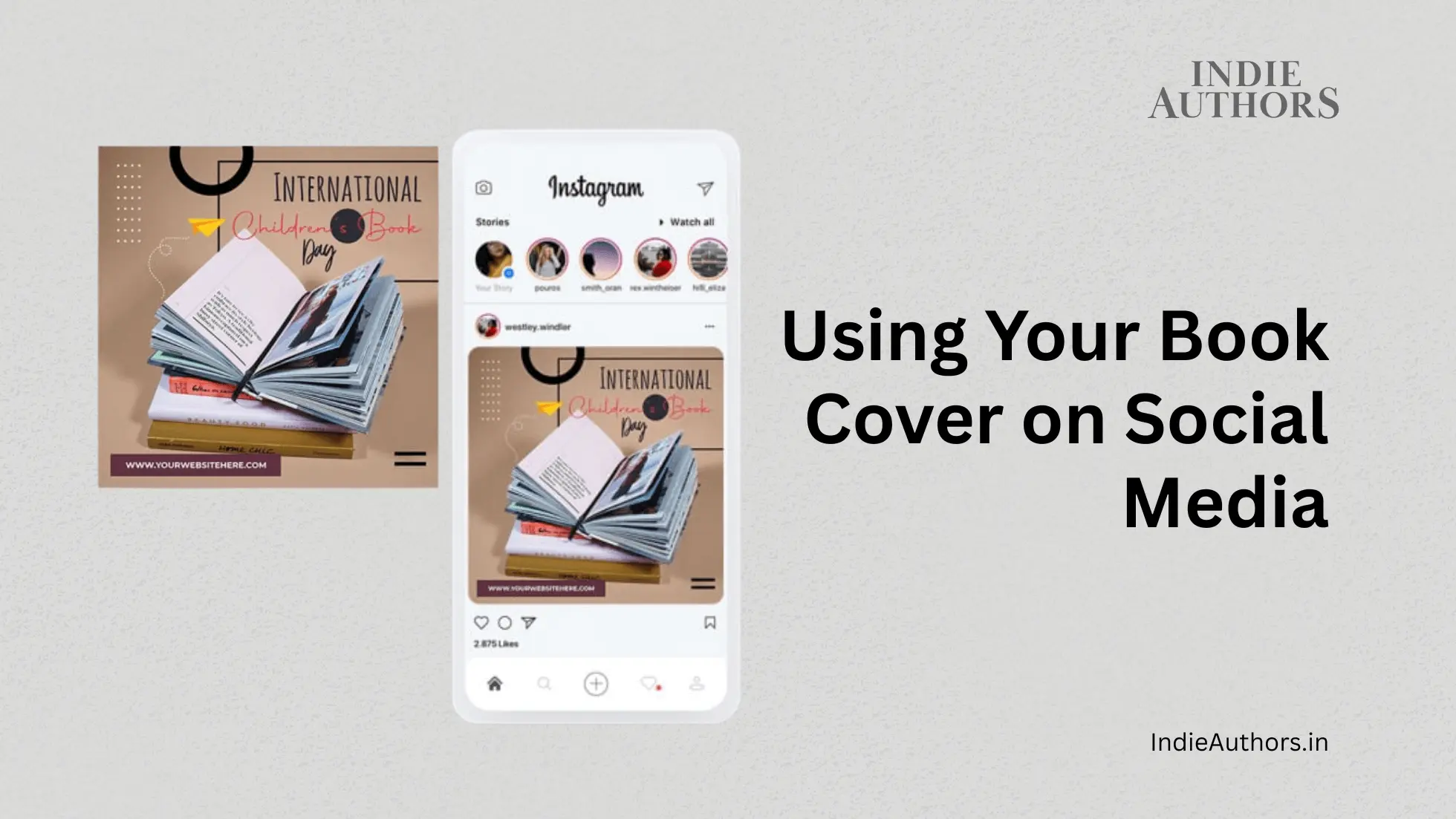
- Instagram & TikTok: Square or vertical cover versions for reels and stories.
- Facebook & LinkedIn: 3D mockups with promotional text overlays.
- Pinterest: Tall, infographic-style pins with your book cover + quotes.
- Twitter/X: Clean horizontal banners with the cover + release date.
👉 Pro tip: Always optimize aspect ratios so your cover looks sharp everywhere.
4. Pair Your Cover With Quotes & Excerpts
Overlay quotes, taglines, or snippets from your book on top of the cover or beside it. This helps:
- Give readers a taste of your voice.
- Make your posts more engaging.
- Increase shareability.
Image idea: A post with your cover on one side and a bold pull-quote on the other.
5. Use Covers in Paid Ads
Your cover should be front and center in Facebook, Instagram, and Amazon ads. Readers browsing these platforms need an instant visual hook to stop scrolling.
- Test different backgrounds (solid color vs lifestyle mockup).
- Keep text minimal so the cover remains the star.
- Run A/B tests to see which version converts best.
6. Create Branded Content Around Your Cover
- Bookmarks, wallpapers, GIFs, stickers: Easy digital giveaways that feature your cover art.
- Author videos: Record yourself holding the book—personal and relatable.
- Fan challenges: Encourage followers to share a photo with your book once they buy it.
Image idea: Animated GIF flipping through the cover to the first page.
7. Keep Consistency Across Campaigns
Use your book cover’s color palette and fonts to design all promotional materials:
- Banners
- Social posts
- Website headers
- Email newsletters
👉 This creates a unified brand look that helps readers instantly recognize your book.
Checklist: Using Your Book Cover on Social Media
✅ Post 3D mockups (not just flat covers)
✅ Run a cover reveal campaign
✅ Optimize cover visuals for each platform
✅ Pair cover with quotes, blurbs, or reviews
✅ Use it in ads for instant recognition
✅ Build consistent branding from cover colors/fonts